
Point Names Are Forever: How Commissioning Shortcuts Come Back to Haunt BMS Data
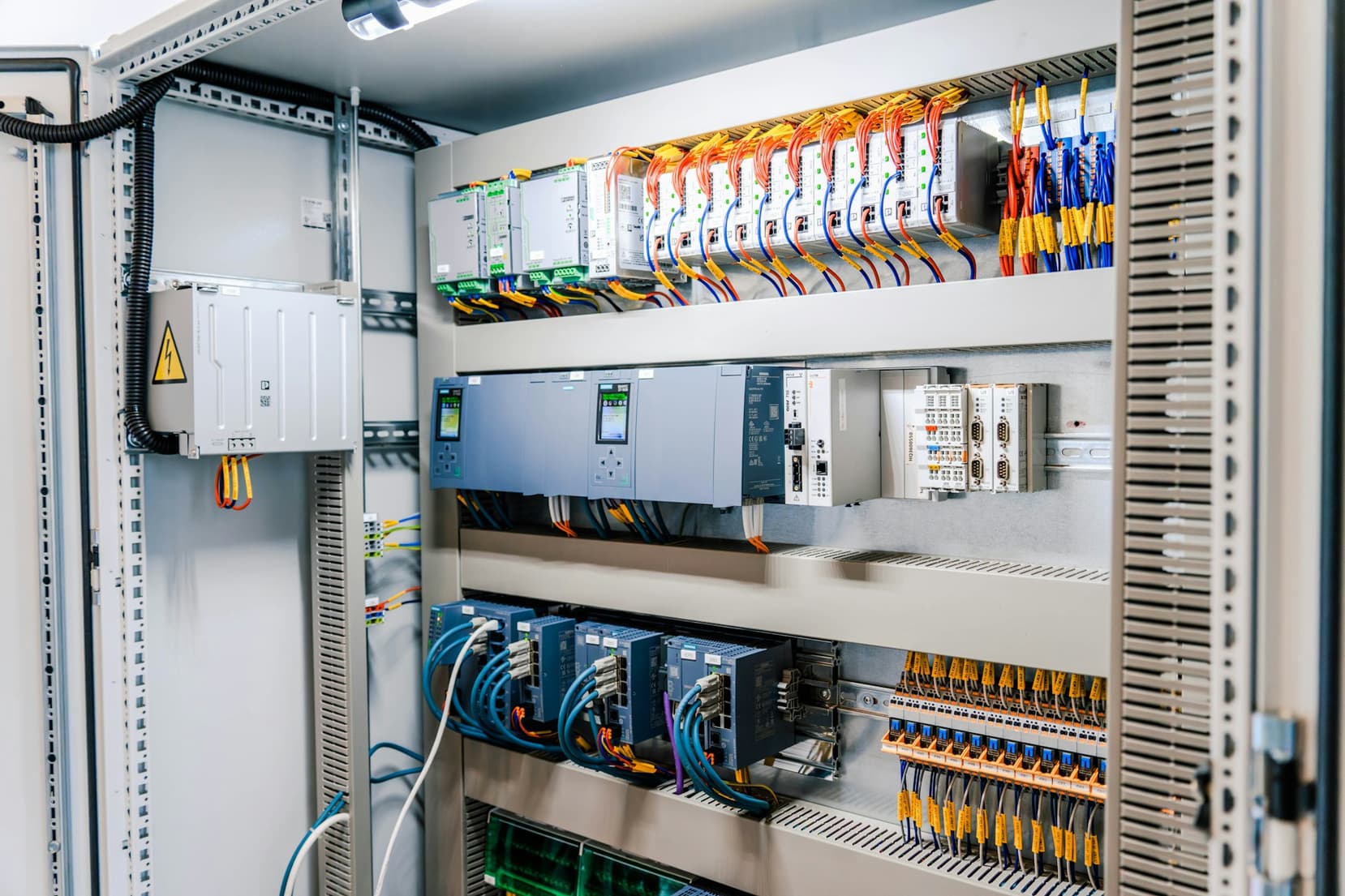
Somewhere in a mechanical room there is a controller with a point called AI-7. Nobody knows what it is. The as-built drawings say it's a spare. The trend log says it reads 54 degrees most of the day and jumps to 70 every afternoon. At some point a tech landed a sensor on it, never updated the database, and moved on to the next floor.
That's the quiet cost of point naming. During commissioning, names are a means to an end: get the graphics bound, test the sequences, close the punch list. Whether the discharge air temperature on a third-floor box is called VAV-3-12 DAT or AHU2_VAV_RM312_DAT feels like a matter of taste. It isn't. Five years later, when an analytics platform or a fault detection engine tries to work out which air handler feeds which box, that name is often the only evidence it has.
Why Names Outlive the People Who Chose Them
A point database gets built under schedule pressure by whoever is programming that week. On a large job that can mean three or four techs, sometimes from different subcontractors, each with their own habits. One writes SAT, another DAT, a third Disch_Air_Temp. One counts floors from grade, another from the basement the architect labeled Level 1. Nobody is exactly wrong. The building runs fine, because sequences reference points by object instance, not by name.
The trouble shows up later, and usually in the same order. First comes the integrator hired to connect the BMS to a tenant portal or a lighting system, who burns two days of a five-day budget building a lookup table. Then the analytics project, where onboarding turns into a mapping exercise nobody priced, and a handful of AHUs still end up wired to the wrong zones. Then FDD, which is where bad naming does real damage. A rule that compares mixed air temperature against outdoor and return air is worthless if it grabbed the wrong outdoor air sensor.
It's common to find outdoor air temperature on several controllers under slightly different names, a couple reading minus 40 because the sensor failed open years ago. Any rule that takes the first match is doomed. Operators get false alarms, learn to ignore them, and the FDD program dies quietly within a year.
What a Good Naming Convention Looks Like
Good naming isn't about looking tidy. It's about being readable by a tech standing at the controller and parseable by a script reading a CSV export. Both audiences want the same things: a consistent order, a fixed delimiter, and no information that only the original programmer can decode.
A workable pattern runs from general to specific: site, building, system, equipment, then the point. Something like B1_AHU02_VAV312_DAT tells you the building, the parent air handler, the box (named for the room it serves, which tends to survive longer than an arbitrary sequence number) and the measurement. VAV-3-12 DAT looks cleaner, but it hides the first question every analytics tool asks. Which air handler?
A few rules hold up across most projects:
- Pick one delimiter and never mix it. Underscores survive almost every export format; spaces and hyphens break something eventually.
- Publish an abbreviation list in the spec and enforce it. DAT or SAT is fine. Both is not.
- Pad numbers to a fixed width, AHU02 rather than AHU2, so sorting works.
- Don't encode things that change. Tenant names, departments and someone's office will be wrong within two years.
- Make setpoints, commands and statuses distinguishable from sensors in the name itself, not only in the object type.
Expect pushback on length. Some older controllers and front ends truncate names at fairly short limits, so design the convention around the most restrictive field in the system, and do it before programming starts.
Tags Do What Names Can't
Even a perfect name is a flat string. It can say a point is a discharge air temperature on VAV312, but software still has to parse it, and every parser is a little brittle. Semantic tagging moves that meaning into structured metadata that can be queried directly.
Haystack and Brick, Briefly
Project Haystack attaches tags to points and equipment. A point might carry discharge, air, temp, sensor and point, plus a reference to the equipment it belongs to. Brick Schema is a formal ontology with classes and explicit relationships, so a box can be declared as fed by a specific AHU, which is in turn fed by a specific chilled water loop. The two communities have been moving toward each other, and the ASHRAE 223P work aims at a common semantic model built on similar ideas. A good model in one translates to the other far more easily than starting again from raw names.
Relationships Matter More Than Markers
Tagging a point as a temperature sensor is easy, and mostly obvious from the name anyway. Recording that VAV312 is fed by AHU02, that AHU02 serves floors 3 and 4, and that its cooling valve sits on loop CHW-1 is what makes FDD rules portable. A rule that checks whether a box is starved for air needs the static pressure and discharge temperature of the air handler upstream. Without the relationship, someone hard-codes it, and the hard-coding breaks the first time a renovation moves a box to a different unit.
Fixing a Messy Point Database Without a Full Rebuild
The instinct, when you open an export and find 14,000 rows of chaos, is to propose renaming everything. Usually that's the wrong call. Renaming in the BMS touches graphics, trends, alarms and sometimes programming that references names. On an occupied building, that's a lot of risk for a cosmetic win.
The better move is to leave native names alone and build a mapping layer on top. The order that tends to work:
- Export everything: names, object types, instances, units, descriptions and present values. Descriptions and units often carry more truth than names.
- Build the equipment list first, then assign points to equipment. Getting the hierarchy right fixes most downstream confusion.
- Normalize with pattern rules in a script or spreadsheet, then review the leftovers by hand. Most points fall into a handful of patterns. The stubborn remainder needs someone who knows the building.
- Verify against live data. A point tagged as outdoor air that reads 72 degrees all winter is not outdoor air.
- Store tags and relationships somewhere that isn't a consultant's laptop, in a format the next integrator can read.
Step four gets skipped most and pays back most. Trending a suspect point next to a known-good one for a week settles arguments that no amount of staring at the database will.
Budget honestly. A mid-size office with a few thousand points can often be mapped in days with decent tooling and a cooperative operator. A campus with a decade of mixed-contractor additions takes weeks.
Putting It in the Spec So It Sticks
The cheapest moment to get this right is before the first controller ships. That means the naming convention and tagging requirements live in the controls specification, with worked examples, and the point list is a submittal reviewed like any other. Ask for a tagged model in Haystack or Brick format as a closeout deliverable alongside the as-builts. It will cost far less than reverse-engineering it later.
Commissioning agents can help here. Functional testing already touches every point, so checking that the name, tags and equipment relationship match what was just tested costs very little then and a great deal later.
Before the next project closes out, ask whoever is handing over the BMS one question: if a stranger exported this point list tomorrow, could they tell which air handler serves room 312 without walking the building? If the answer is no, that's the punch list item worth holding the retainage for.