
LoRaWAN, Wi-Fi, Mesh or BLE? Picking Wireless Sensors for Buildings You Didn't Build
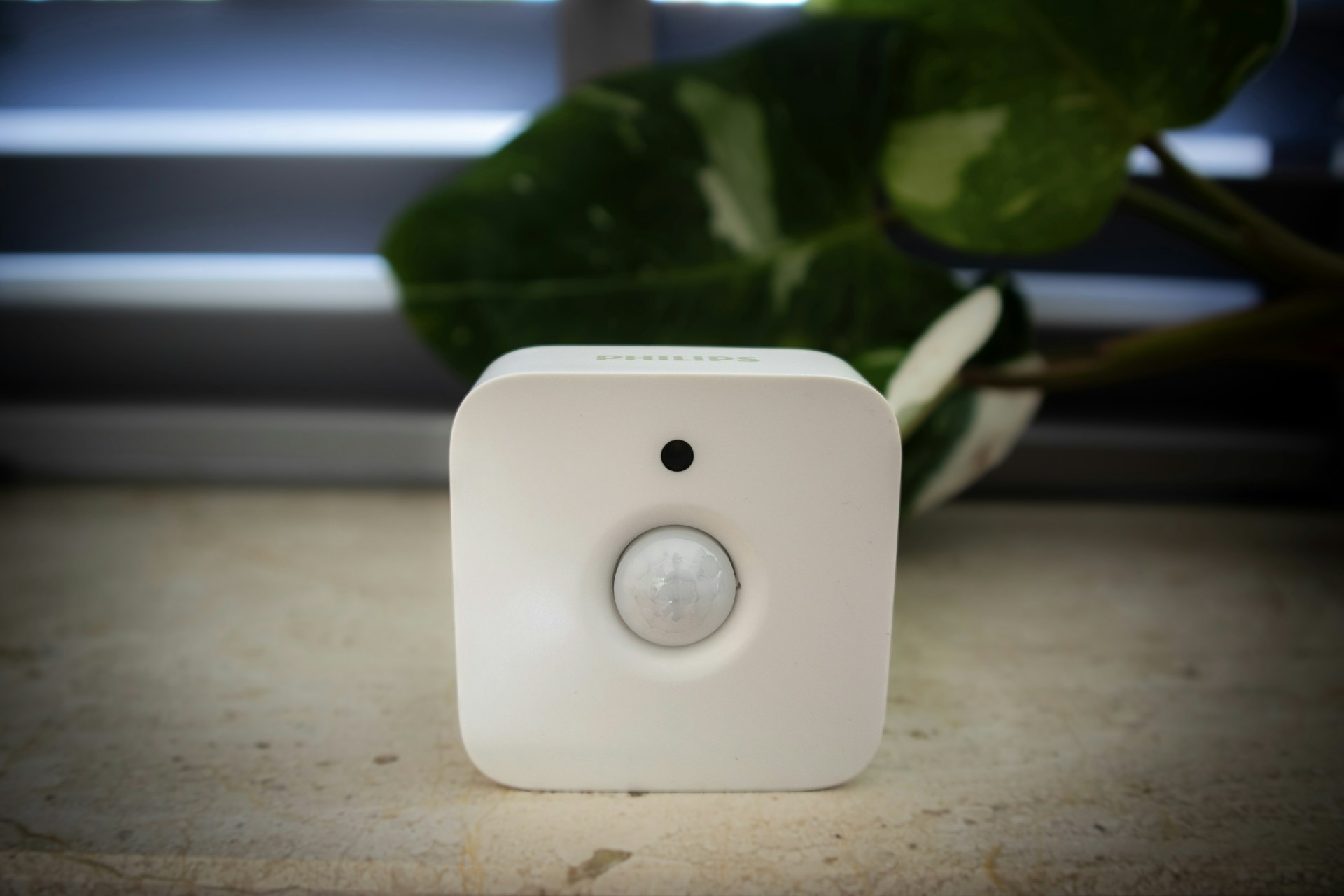
Retrofit sensor projects usually start with a floor plan. They should start with a walk through the building, a test device on the protocol you're considering, and somebody from IT. The radio you choose for occupancy, temperature, humidity and CO2 sensors will decide how many boxes end up on ceilings, how often someone climbs a ladder to change batteries, and how many meetings you sit through before anything goes live.
I have watched teams pick a protocol because the sensor they liked happened to use it, then spend the next year living with the consequences. Here is how the main options behave inside a concrete-framed office block designed before anyone thought about radios.
Start With What the Data Has to Do
Before comparing radios, write down how fast each reading needs to arrive and what happens when one goes missing. It rarely gets done.
A CO2 sensor feeding a demand-controlled ventilation sequence is fine reporting every five to ten minutes. A temperature sensor for a comfort dashboard can report every fifteen. Occupancy is where things split. If the data feeds space utilization reports that the real estate team reads once a month, a count every few minutes is plenty. If the sensor is supposed to switch on restroom lights, or tell the BMS that a meeting room just filled up so the fan coil can respond, you need something closer to a second or two, and you need it every time.
That one distinction rules out options fast. Low-power wide-area networks are built for small, infrequent messages. Asking them to carry near-real-time occupancy events is asking a delivery van to win a drag race.
The Four Contenders, Honestly
LoRaWAN
The big selling point of LoRaWAN in existing buildings is range through structure. A gateway placed sensibly can often cover several floors of a mid-size building, and two or three gateways may handle a property that would need dozens of Wi-Fi access points to reach the same corners. Stairwells, plant rooms and parking levels are where it earns its keep.
Battery life is the other half of the pitch. A sensor that wakes, sends a few bytes and sleeps can run for years on a pair of lithium cells; five to ten years is a realistic claim for low-reporting devices with decent signal. Push the reporting rate up, or put the device at the edge of coverage where it falls back to slower data rates, and that number drops quickly.
The catch is bandwidth. Messages are small and uplink-heavy, and downlinks for commands or configuration are slow and limited. It is a sensing network, not a control network. You also need a network server, which is one more system somebody has to own.
Wi-Fi
Wi-Fi looks free because the access points are already there. It isn't. Corporate Wi-Fi is designed around laptops and phones in occupied areas, not ceiling voids, risers and back-of-house corridors. And a Wi-Fi radio is power hungry. Battery-powered Wi-Fi sensors survive by sleeping hard and reporting rarely, which makes them awkward for occupancy and shortens battery life compared with the low-power options.
Where Wi-Fi does make sense is mains-powered devices that move real data: people counters at entrances, air quality monitors with displays, anything that already has power nearby. The bigger problem is not technical, and we'll get to it.
Zigbee and Thread
Mesh protocols route messages through neighboring powered devices, so coverage grows as you add nodes. In a dense office full of mains-powered nodes such as networked lighting, plug load controllers or wired thermostats, a mesh can be very responsive, with latency well under a second.
The weakness in retrofits is that battery-powered sensors are usually end devices, not routers. With no powered nodes nearby, you don't have a mesh. You have a set of isolated devices trying to reach a coordinator or border router that may be too far away. At 2.4 GHz through a concrete core wall, hops are short. In heavy construction, plan on a router node every room or two, not one per floor.
Thread is IP-based, and Matter on top of it promises better interoperability, but check which commercial device types are actually supported before betting a project on it.
Bluetooth LE
BLE is cheap, low power and everywhere. It works well for short-range jobs like desk presence and asset tags. Range is the limit: tens of meters in open plan, much less through block or concrete. Most BLE sensor deployments end up with a dense grid of receivers, often built into light fixtures. Unless you're already replacing lighting, you are effectively installing a second network.
Concrete, Steel and the Gateway Count
Spec sheets quote range in open air. Your building is not open air. Post-tensioned slabs, rebar, elevator shafts, foil-faced insulation and low-E glazing all eat signal, and 2.4 GHz suffers more than sub-GHz bands.
The practical step is a site survey with a test device on the actual protocol, at actual mounting heights, including the worst rooms. Put a sensor in the corner office behind the core, in the basement, and in the stair. Count gateways from the results, not from the brochure. Then add margin.
Every gateway needs power (often PoE), a network drop, a mounting spot someone signed off on, and a line in an asset register. Ten gateways is a different conversation than two.
The IT Department Is Part of the Design
This is where projects stall. Ask to put 400 sensors on corporate Wi-Fi and you'll meet a security review, questions about certificates and onboarding, a demand for a separate SSID and VLAN, and possibly a flat no. Fair enough. Cheap IoT devices with weak firmware update stories are exactly what security teams worry about.
Protocols that don't touch the corporate network directly tend to get approved faster. LoRaWAN, BLE and mesh sensors talk to their own gateways, so the IT question shrinks to "what do these gateways connect to, and where does the data go?" A gateway on an isolated OT VLAN with outbound-only connections is a much easier sell. Some owners go further and backhaul gateways over cellular, skipping the corporate network entirely.
Bring IT in at the survey stage, not after the purchase order. Ask early:
- Can OT devices sit on a segmented VLAN, and who manages it?
- Is outbound traffic to a hosted network server allowed, or must everything stay on-premise?
- Who patches gateway firmware, and how is that tracked?
- Are there RF restrictions in sensitive areas such as labs or clinical spaces?
Batteries Are a Maintenance Contract
Every battery-powered sensor is a future work order. A 500-sensor deployment with three-year batteries means roughly 170 battery swaps a year, each needing a ladder, access to an occupied room, and someone who knows which device is which. Teams that underestimate this quietly stop replacing batteries. That is how sensor networks die.
Ask for battery life at your reporting interval and signal strength, not the datasheet best case. Make sure the platform reports battery level, and plan replacements by zone. Where power is easy to reach, at light fixtures or existing thermostat locations, use it.
A Reasonable Way to Decide
In my experience a mixed answer wins more often than any single protocol. A common pattern in heavy-construction retrofits is LoRaWAN for environmental sensing across the whole building, plus a faster local network, mesh or BLE through networked lighting, in the spaces where occupancy drives control. Wi-Fi gets reserved for mains-powered, data-heavy devices that IT has already approved.
Whatever mix you land on, make sure the data ends up somewhere the BMS can read it, through BACnet, MQTT or an API,. And before you sign anything, ask the team one question: who replaces the batteries in year four, and does their budget know about it yet?